Trek11 Select. Premium stays on private land.
Own a farm, station, winery or bush camp? List your place on Trek Eleven for free. Campers find it on the map with a gold pin, read your own words and book direct with you. We take no commission.
You are claiming this place.You came here from the place you tapped in the app. Tap List your place and the form opens ready for it. Nothing changes on the map until we have approved your listing.
Takes about ten minutes. You sign in with Apple, Google or a 6-digit code we email you. No password.
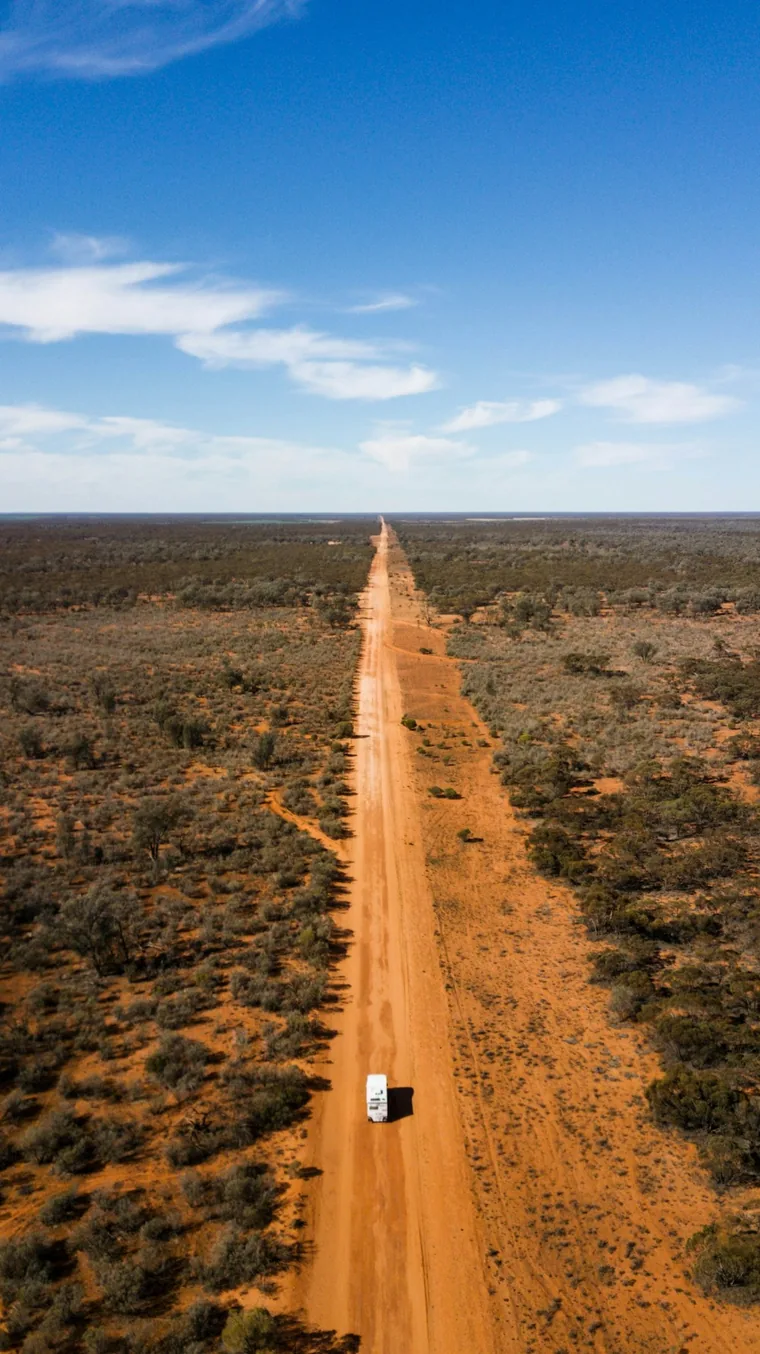
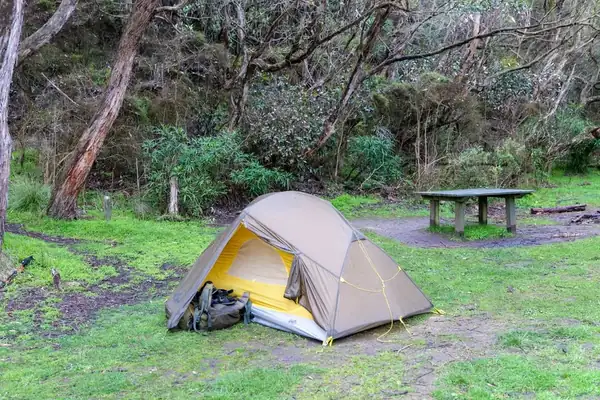
- Your words, your photosUp to six of your own
- A gold pinEasy to spot on the map
- Free to listNo commission from us
- Book directStraight to your own link
Illustration. Example place, not a real listing.
Premium stays, on private land.
Trek11 Select is our name for premium private-land stays. Each one wears a gold pin on the Trek Eleven map, so campers can spot it at a glance.
Stays on farms
A paddock, an orchard corner or a spot by the dam, on a working farm.
Station stays
Stations, including outback stations with camping.
Wineries and vineyards
A place to park the van among the vines.
Private bush camps
Bush on private land, opened to campers by the people who look after it.
Glamping on private land
Something a bit special, already set up and waiting.
Private land, so the same plain line on every one. Every Trek11 Select place says: “Private property. Book first; never just turn up.” Owners can list their own place, in their own words, for free. That is what this page is for.
What campers see.
A listing that does your place justice, in your own words and photos, with one clear way to book.
- A gold pin on the map, and a card like every other place
- Your photos, up to six, and your words, marked “The owner says”
- A big Book now button that opens your own booking link
- “Still like this?” taps from campers who have stayed, so everyone can see how fresh your listing is
What you say about your place is labelled as yours, and campers can add their own taps, answers, photos and problem reports. You cannot hide or change what campers add.
Illustration. Example place, not a real listing.
How it works.
Three steps. We look at every listing before campers see it, so the places on Trek Eleven are real.
Add your details
In the Trek Eleven web app, tell us about your place: its name, where it is, what you offer, the facilities, your price in your own words and up to six of your own photos. Drop a pin on the map.
Confirm it is yours
Give us the address of your own website and a contact email. If the email is at your website’s own domain, like you@yourfarm.com.au, we email you a 6-digit code and you type it into the app. If it is a webmail address, such as Gmail, or you only have a Facebook page, a person at Trek Eleven checks it by hand.
We take a look
Someone at Trek Eleven looks at your listing before it shows. If something needs fixing, we tell you in the app. Then it goes on the map with a gold pin, in your words.
Already on Trek Eleven?
Claim your place.
Some places are on the map already, from public open data. If yours is one of them, you can claim it with your own listing.
Several people can ask to claim the same place, and only an approved listing counts. Tapping the link in the app claims nothing by itself.
- Find your place in the app. Search for it and open it.
- Tap “Is this your place?” Some places show this small link at the end of their page. It brings you here, with the place you tapped already chosen.
- Tap List your place. The form opens ready for that place, with what we already know about it filled in for you to check and change.
- When your approved listing goes live, it replaces the open-data pin. If you ever pause or delete your listing, the earlier pin comes back.
Questions owners ask
Does it cost anything to list?
No. Listing is free. If we ever offer something paid, such as a featured spot, it will be optional and clearly labelled, and we will not charge you without your clear agreement first. See how we make money.
Do you take a commission on bookings?
No. Trek Eleven takes no commission or cut of any booking, and it is not part of the booking at all. If you give us a booking link, Book now opens that link and nobody earns a commission on it. The price, the payment and any cancellation are between you and the camper.
Who sees my contact details?
Campers never see your name, role or email. We use them only to manage your listing and to email you the confirm code. A phone number is shown only if you choose to show it. Read the privacy policy.
Do I need approval from my shire?
Possibly. The rules for camping on private land differ from shire to shire, and taking paying guests can need planning approval or a camping ground licence. Please check with your shire before you list. The WA Government has guidance on camping outside caravan parks.
You confirm this when you add your place, and it is your responsibility. You also confirm you hold the insurance you need, usually public liability insurance. Your ordinary farm or home policy may not cover paying guests, so check with your insurer.
What about photos?
Add up to six, and only photos you took or have the right to share. We take the location data out of every photo. Please avoid recognisable faces without consent, and number plates where you can.
You keep ownership of your words and photos. You give Trek Eleven a licence to show them while your listing is live, including in material that promotes Trek Eleven. When you delete your listing, we remove them.
Can I hide what campers say?
No. Campers who stay can add “still like this?” taps, answers, photos and problem reports, and you cannot hide, change or remove them. If you think something is wrong, unlawful or unfair, tell us and we will look at it fairly. Your own answers about your place are counted alongside campers’ answers, and campers who have been there can outvote you. Please do not ask campers to change or write a review in exchange for a discount or any benefit. See how we check.
Can I pause, change or remove my listing?
Yes, any time in the app: Settings, then “Your property”. You can edit, pause, resume or delete it, and you can list up to 3 properties on one account. A change to a live listing waits for our approval, and the earlier approved version keeps showing in the meantime.
Deleting a listing removes it, its photos and the facts about the place, including campers’ answers about it.
What does Trek Eleven check?
Before a listing shows, we check that it is complete, that it looks real and that it is yours. We do not inspect properties, and we do not check your approvals or insurance. Our approval of a listing does not mean we say your stay is lawful, safe or suitable, and it is not advice. What you say is labelled “The owner says”, and Trek Eleven has not visited your property unless the page says so.
What do the owner terms say?
In short: listing is free and we take no commission. You promise you own or manage the place, hold the approvals and insurance it needs, own or may share your words and photos, and keep your listing true and up to date. Bookings are between you and the camper. You also agree to cover our loss and reasonable costs if a claim comes from your listing and was caused by something you did or did not do. Read the full owner terms.
Ready to list your place?
It opens in the Trek Eleven web app, in your browser. You can come back and edit it whenever you like.
You are claiming this place.You came here from the place you tapped in the app, so the form will open ready for it.
Nothing to pay and no card. You sign in with Apple, Google or a 6-digit code we email you: no password. By listing you agree to the owner terms. Once you are live, get a free badge for your website.
Run a caravan park instead? Claim your listing.
What the app asks for
- Your property’s name, what kind of place it is, and the nearest town and shire
- Where it is: a pin you drop on the map
- What you offer (tents, caravans, campervans, rooftop tents or glamping), the number of sites and the longest stay
- The facilities, and your price in your own words
- Your booking link, and a phone number only if you want it shown
- Up to six of your own photos, and a few lines in your own words
- Your business website and a contact email, so we can confirm it is yours
- Your name and role, which stay private: campers never see them
- Four ticks: you own or manage the place, you have the approvals your shire needs, you have public liability insurance that covers campers, and the words and photos are yours to share